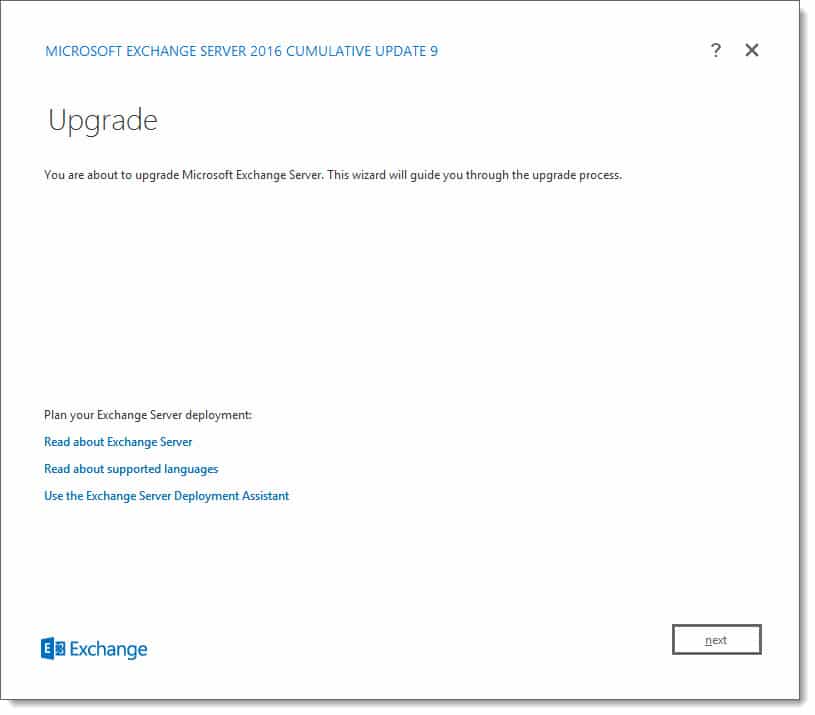
Today was a big day for Exchange updates. Not only did we get Cumulative Update 9 for Exchange 2016, but we also got Cumulative Update 20 for Exchange 2013. Exchange 2010 also receives a critical security update in rollup 20.
As always, test these updates in a lab first! I recommend checking out this 7-part guide on configuring Exchange in your lab. It doesn’t take much to get one going.
The updates are as follows:

Exchange 2016 Cumulative Update 9 | KB4055222 | UM Language Pack

Exchange 2013 Cumulative Update 20 | KB4055221 | UM Language Pack

Exchange 2010 SP3 Rollup 20 | KB4073537
So, what’s new in these Cumulative Updates?
The March 2018 updates introduce full support for TLS 1.2. This is critical because in future updates Exchange will end support for the older TLS protocols. TLS 1.2 boasts significantly stronger ciphers than its predecessors by introducing SHA-256. For a great comparison of the differences between each version of the protocol I recommend the article TLS 1.2 vs TLS 1.1 by KeyCDN.
Disabling the older TLS protocols does present some challenges. As mentioned in my article Disabling TLS 1.0 may cause Outlook to crash, older operating systems such as Windows 7, will require additional registry hacks and tweaks to work in a pure TLS 1.2 environment. Before disabling TLS 1.0 in your environment you may want to look at the state of your client operating systems as a whole and determine if a project to upgrade to Windows 10 should be tackled first. TLS support is based on what the operating system can do and not the Outlook client.
I highly recommend checking out Brian Day’s series on transitioning an Exchange organization to TLS 1.2.
These updates also contain security and bug fixes. Check the appropriate KB article above for a list of issues each update resolves.
[Read more…] about Exchange March 2018 Updates